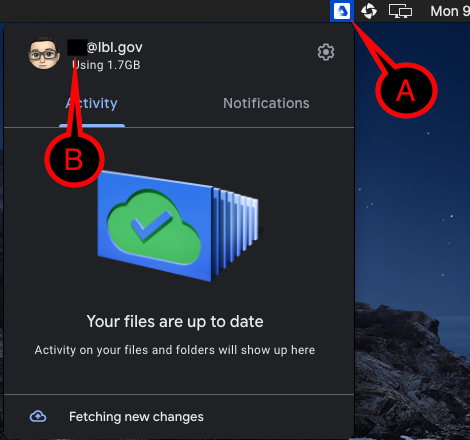
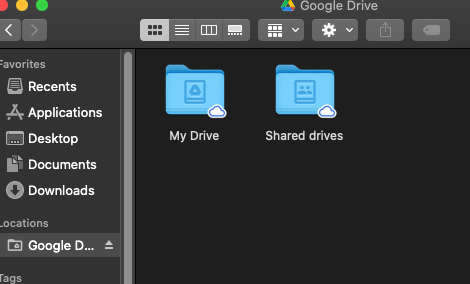
Purpose of knowledge article
- You did not remove/uninstall Google Drive. It suddenly disappears and you can no longer access Google Drive, or get an error message unable to access.
- This can happen on both Windows and Apple computers.
- For Windows, you may see the error message "Location is not available":

You will see your letter drive followed by Shared Drives -- in this example the letter drive is G so you see G:\Shared Drives\File Path. If you use the letter R, then your error message will start with R:\Shared Drives\File Path
Resolution
Click on the instruction you want to expand it:
| 1 |
|
|
| 2 |
|
|
| 3 | You should be able to access your Google Drive now |
|
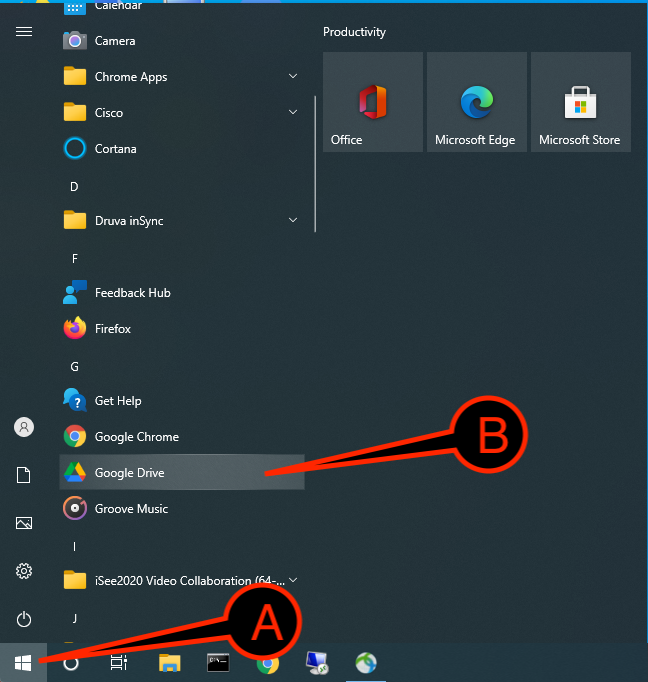

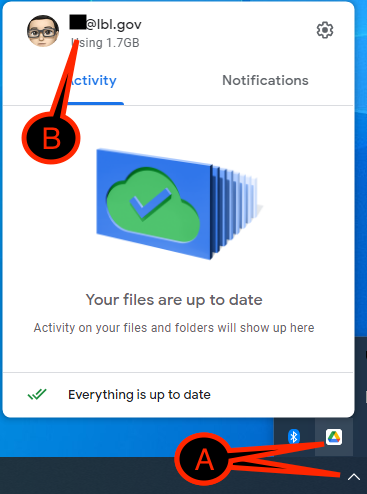
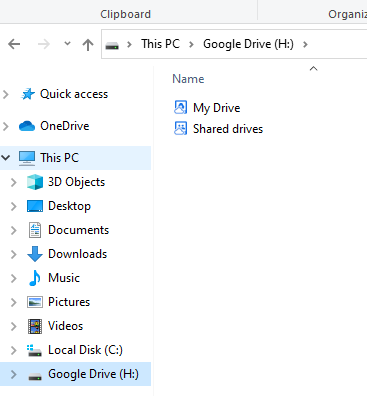
| 1 | Click on the |
|
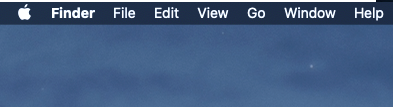
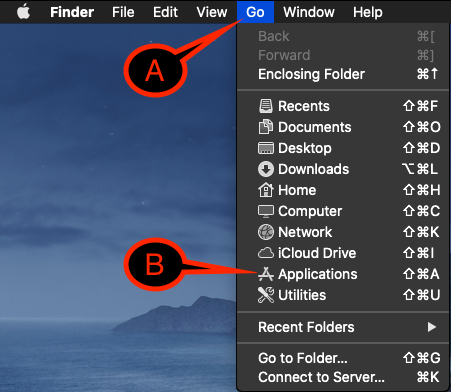
| 2 |
|
|
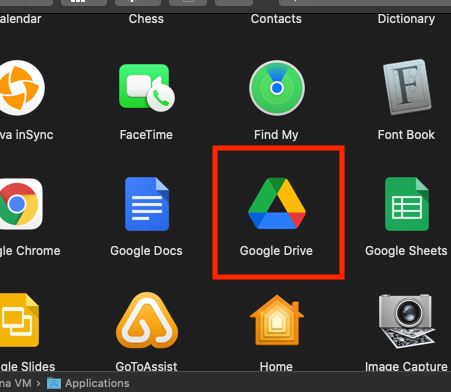
| 3 | Locate and launch Google Drive |
|
| 4 |
|
|
| 5 | You should be able to access your Google Drive now |
|