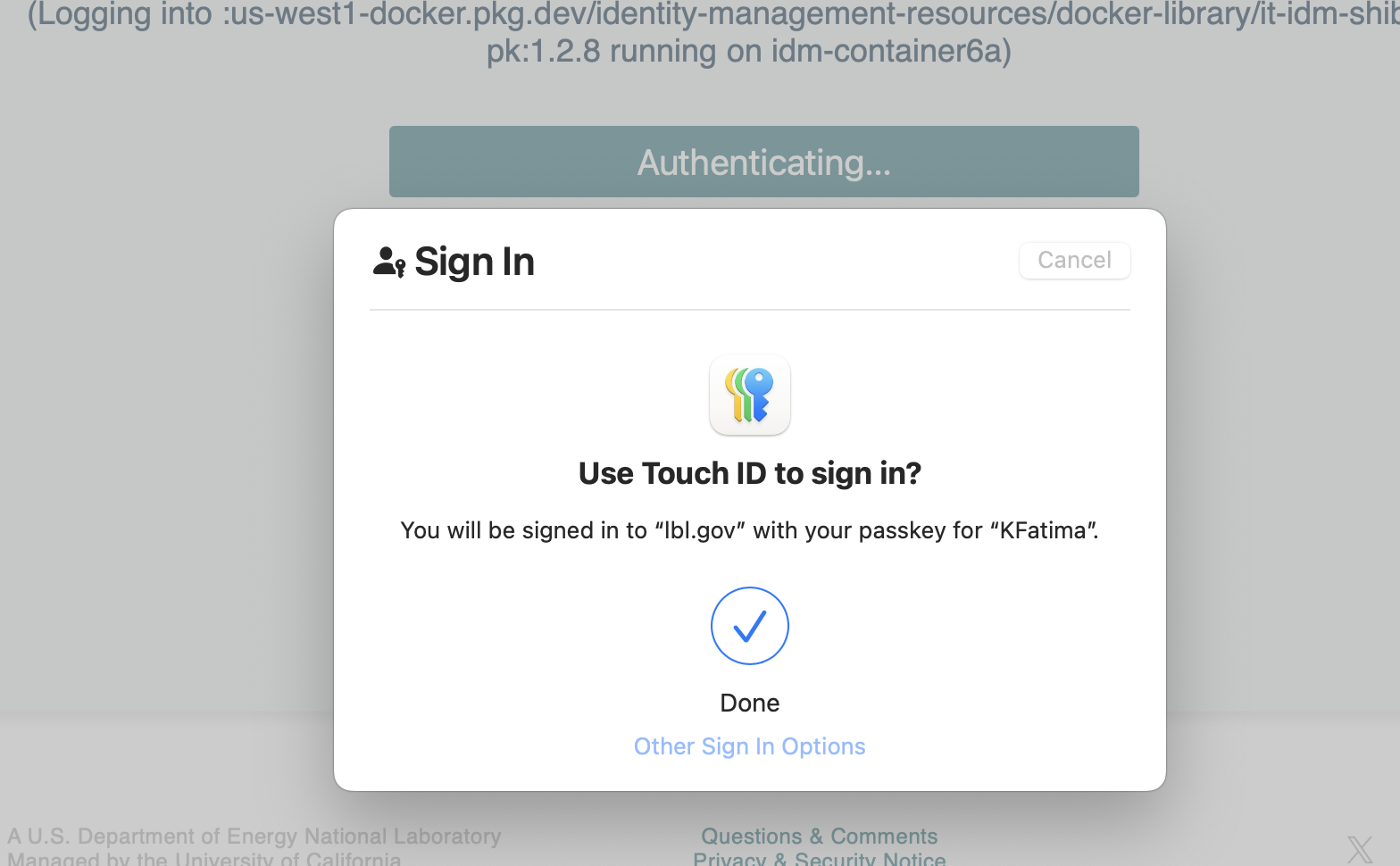
Authenticating with you Passkey
When logging into any of the LBL sites on a macOS using passkeys stored in iCloud use the following steps:
- Enter the LDAP user name and click Proceed

- Enter the password for the LDAP and click login

- Continue with the touch ID for Passkey stored in the Apple password/iCloud
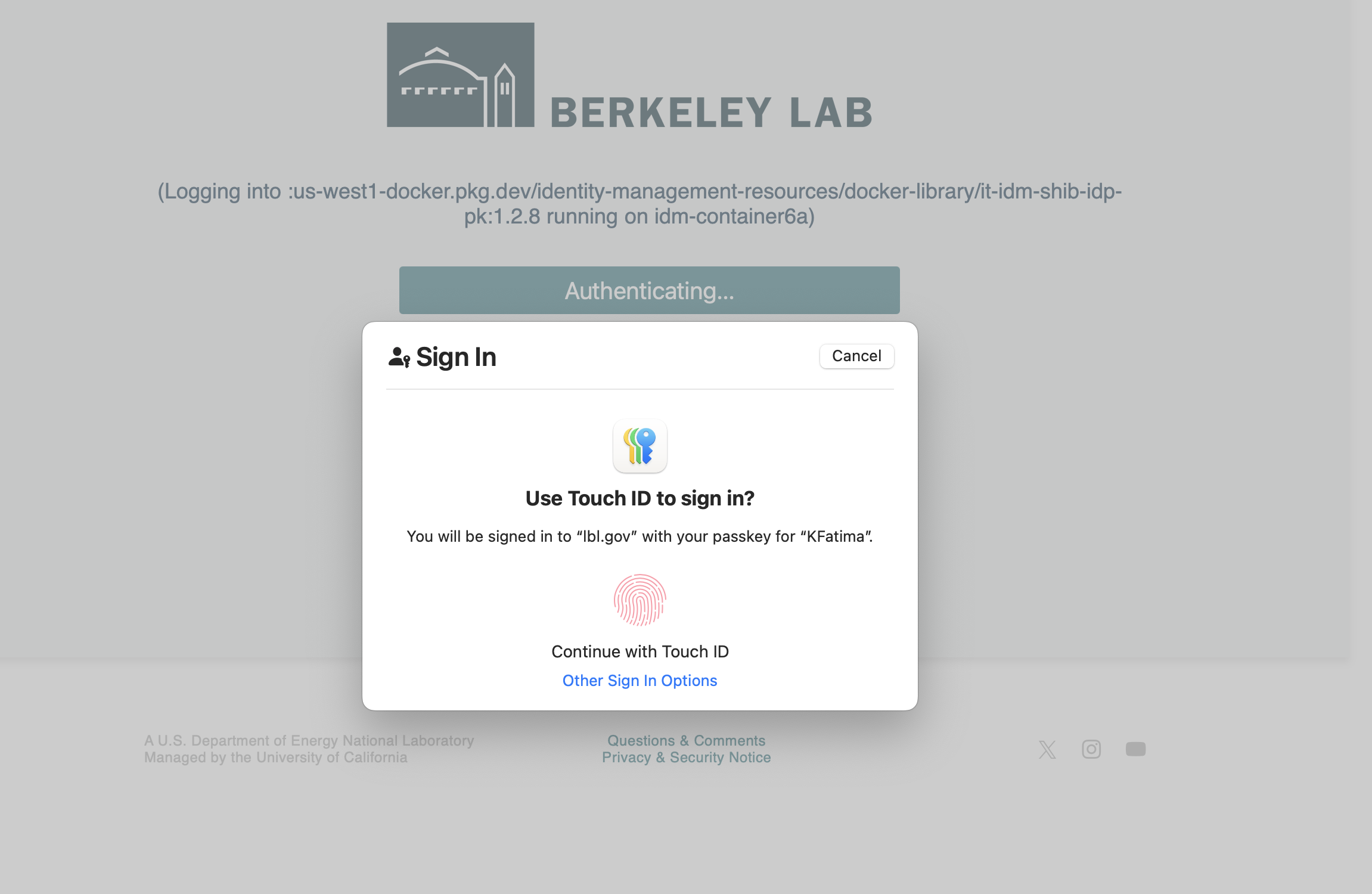
- Login was successful!