Berkeley Lab Cyber Security has discovered bad guys exploiting Apple’s Remote Management service to conduct reflected denial-of-service (DoS) attacks. In response, they have temporarily blocked port 3283 UDP at the network border to prevent further abuse.
What to do?
In order to prevent protect Berkeley Lab computers from participating in this hostile activity, we require all users to disable Apple Remote Management Service. To disable this service manually please see Apple Remote Management .:
- In Apple Menu, select System Preferences
- Select Sharing
- Uncheck Remote Management

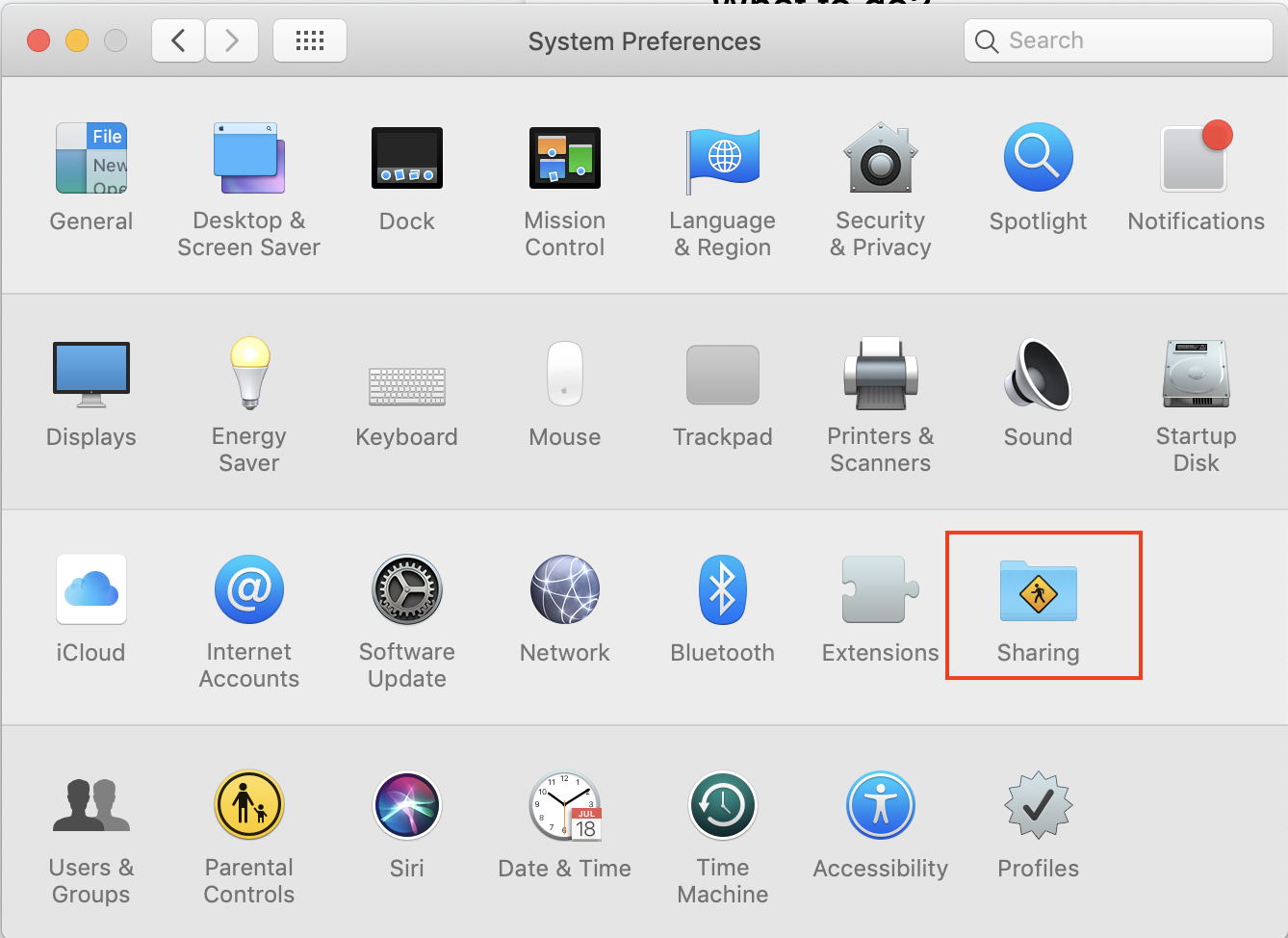

This change will not not have any adverse effects for most users and in fact is the Apple default default. You can still use Apple Remote desktop and VNC to connect if you enable "Screen Sharing". If you believe this disabling Remote Management will create an adverse situation for you, please contact [email protected]. Please note that users will still be permitted to use Apple Screen Sharing.
IT will use BigFix to prompt users to automatically disable the Apple Remote Management Service on all systems running in Active Management Mode. For systems in Passive Management Mode, a BigFix Offer will be provided for users to disable it manually.
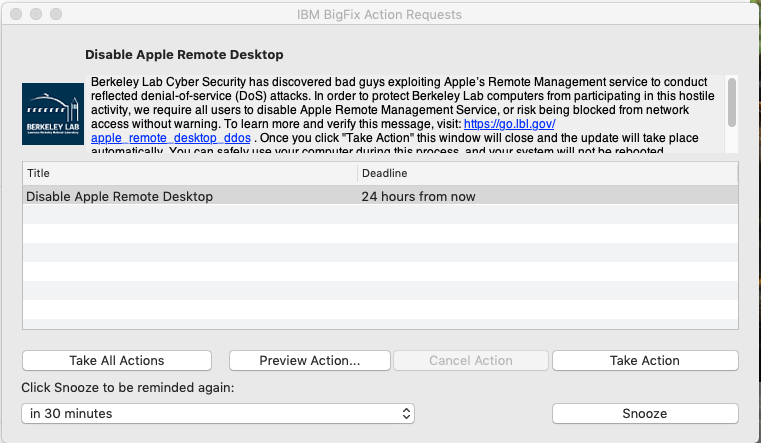
BigFix can be downloaded from https://go.lbl.gov/DownloadBigFix. For any further inquiries contact the inquiries Request Help Desk.
Technical Details
- You can read more about reflected denial-of-service (DoS) attacks at https://www.us-cert.gov/ncas/alerts/TA14-017A.
- For more information on this threat, please see Netscout’s article “A Call to ARMS: Apple Remote Management Service UDP Reflection/Amplification DDoS Attacks.”
...
