...
- To remove LBNL employee wireless profile from iPhone/iPad.
- You may need to do this because you update your LDAP password, or you are having trouble connecting to the LBNL-employee WiFi.
- If you are looking for how to install LBNL employee wireless profile, see Employee Wireless for iPhone/iPad.
Resolution:
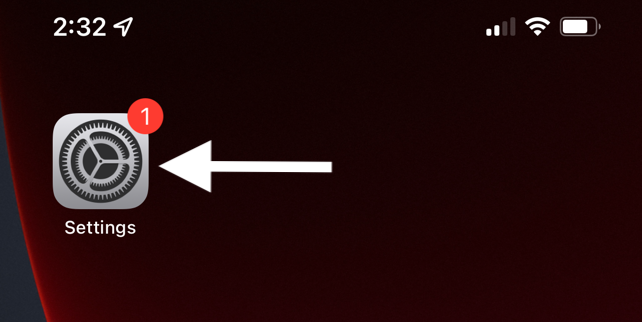
| 1 | Go to Settings |
|
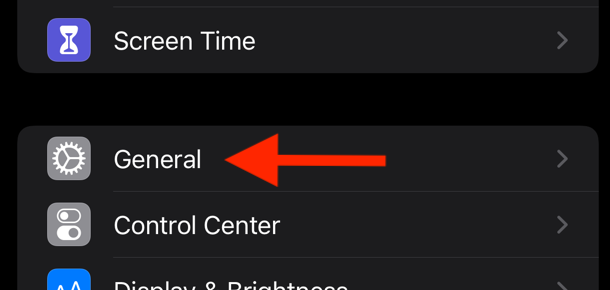
| 2 | Select General |
|
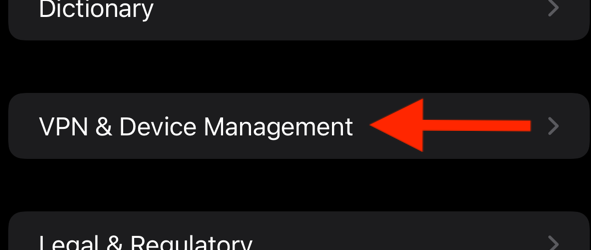
| 3 | Select VPN & Device Management |
|
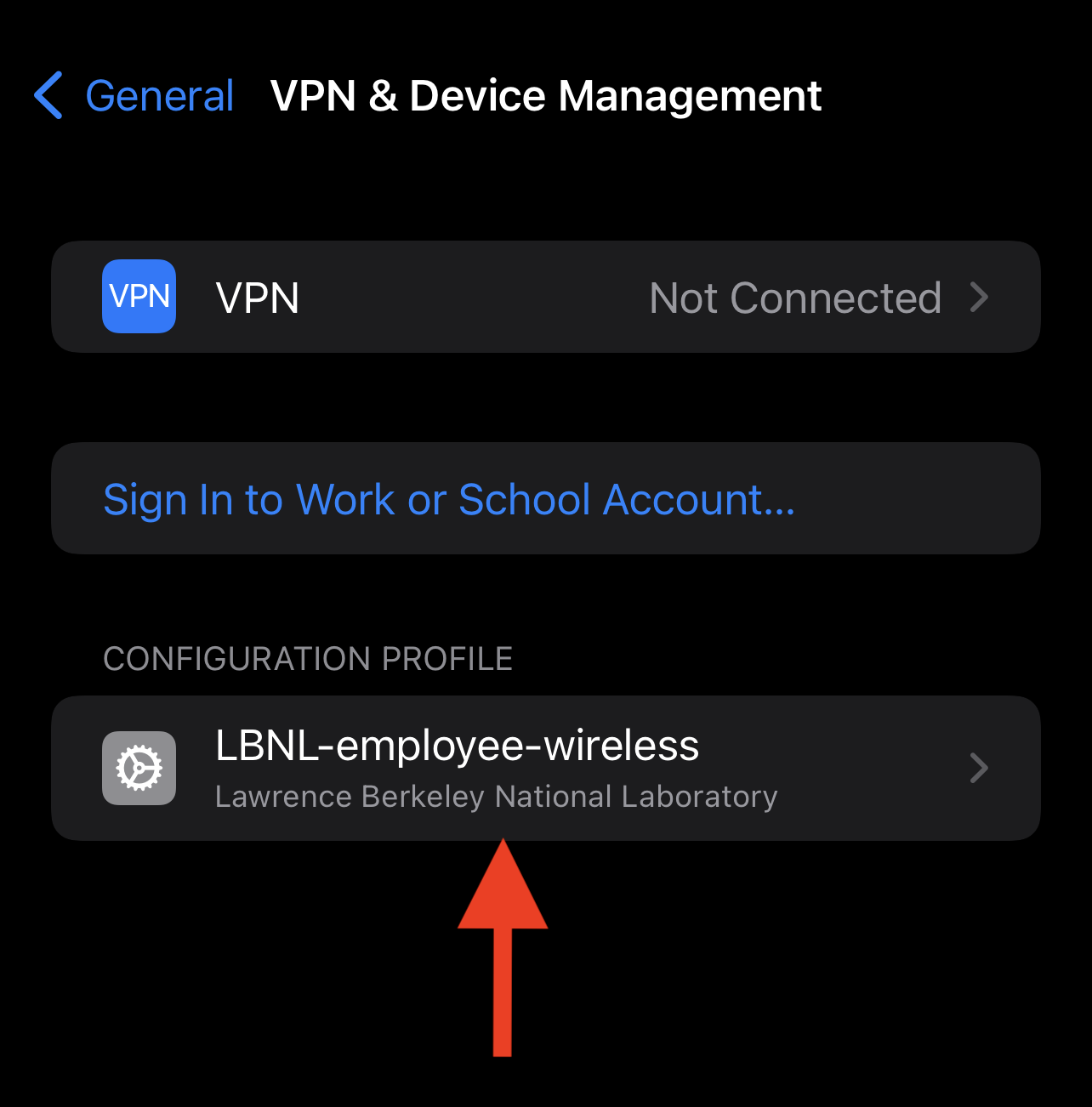
| 4 | Select LBNL-employee-wireless |
|
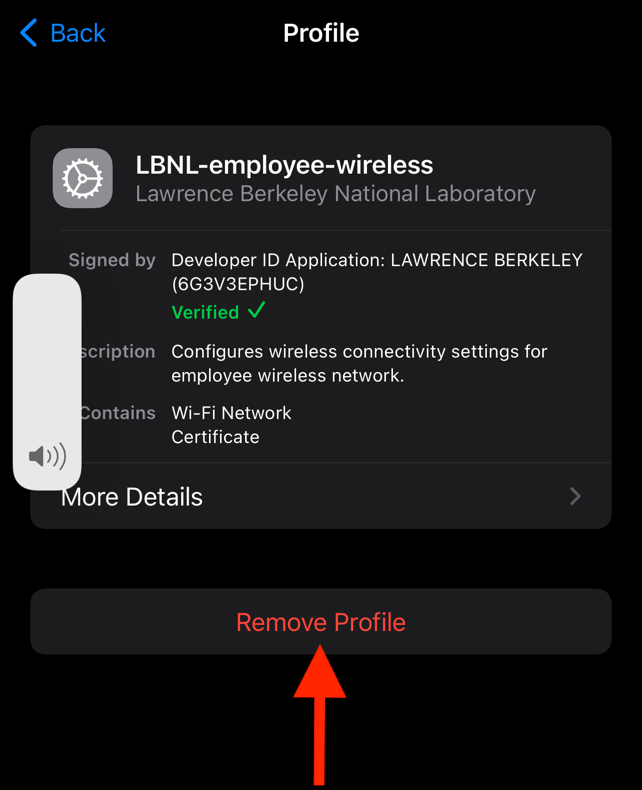
| 5 | Select Remove Profile |
|
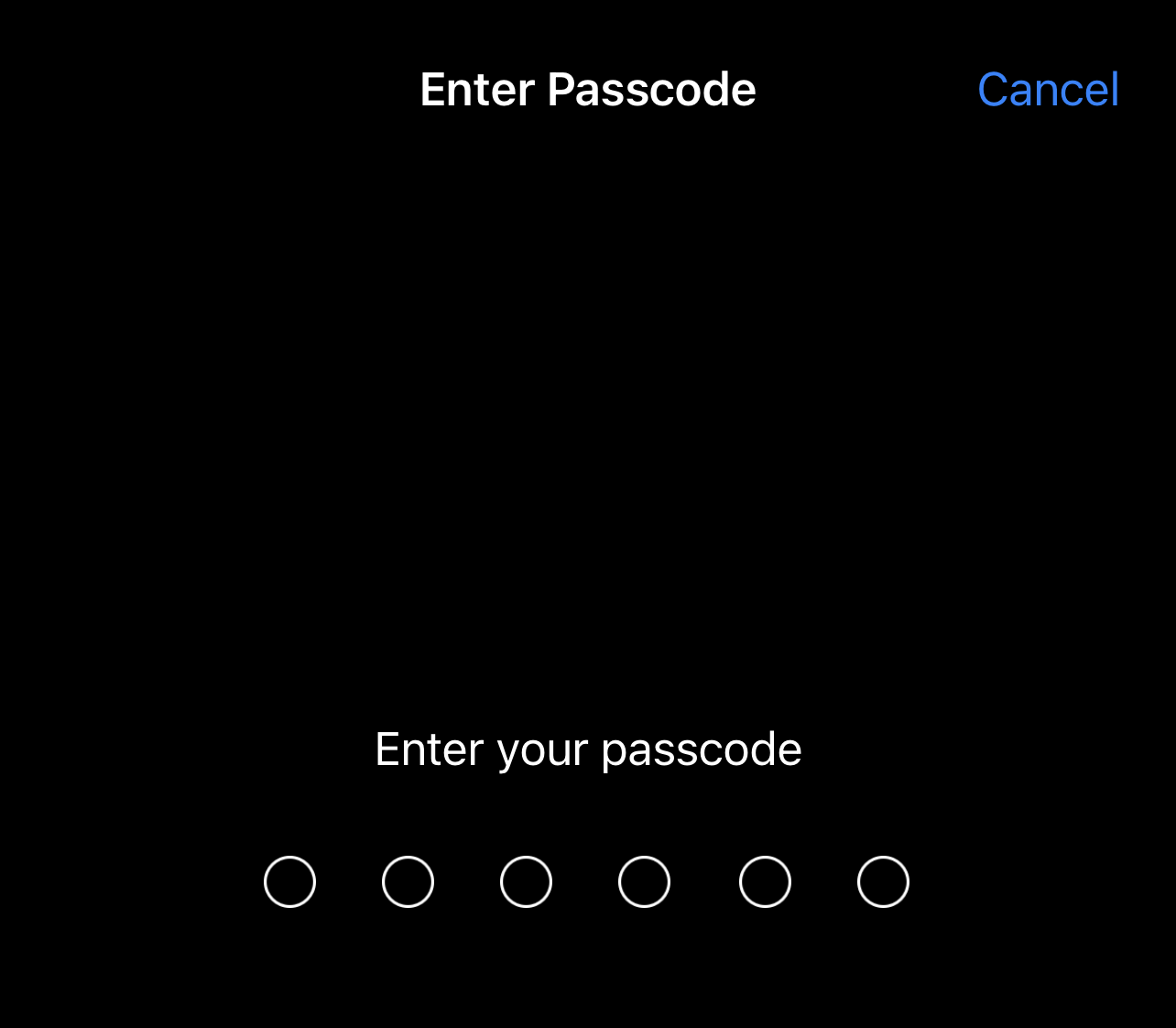
| 6 | Enter your phone passcode |
|
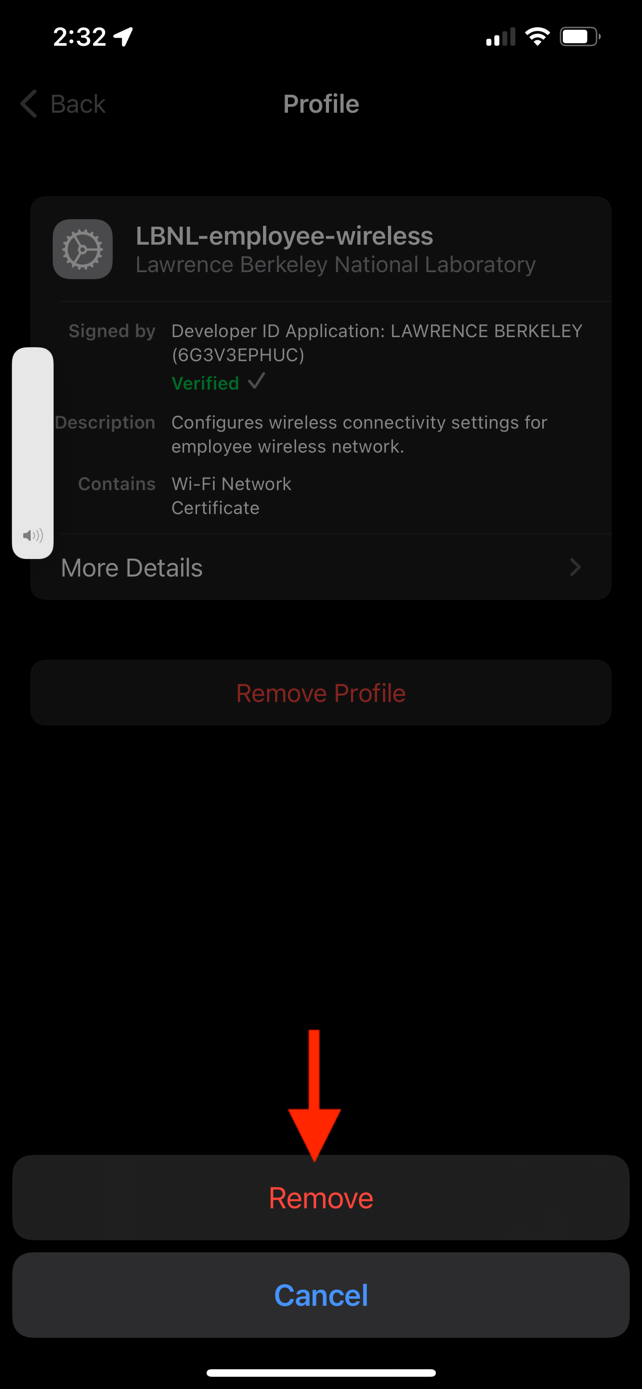
| 7 | Select Remove |
|
| 8 | To reinstall the LBNL employee wireless profile, see Employee Wireless for iPhone/iPad | no image |