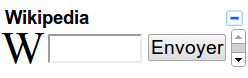
Gmail has a feature in Labs called "Add any gadget by URL" that allows users to add iGoogle gadgets (or any gadget that is an .xml file) to the side of your Gmail account.
In order to install any of these gadgets:
1. From your Gmail account, go to the Labs tab in Settings.
2. Look for "Add an gadget by URL." After enabling it, click "Save Changes."
3. Go to the new "Gadgets" tab under "Settings" and add the gadget's .xml address.
Address: http://www.google.com/ig/modules/wikipedia.xml
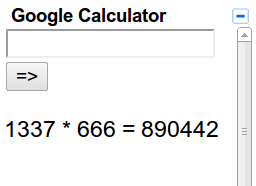
Address: http://calebegg.com/calc.xml
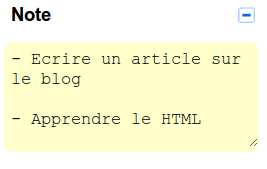
Address: http://www.google.com/ig/modules/sticky.xml
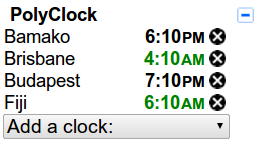
Address: http://gad.getpla.net/poly/clock.xml
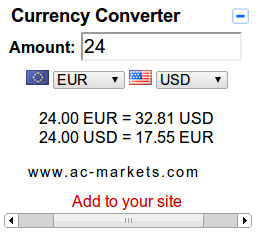
Address: http://helloworld123---.googlecode.com/svn/trunk/currency-converter.xml
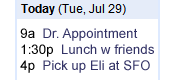
Address: http://www.google.com/ig/modules/calendar.xml
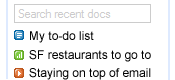
Address: www.google.com/ig/modules/docs.xml
Click here for more info.