|

|


|
|
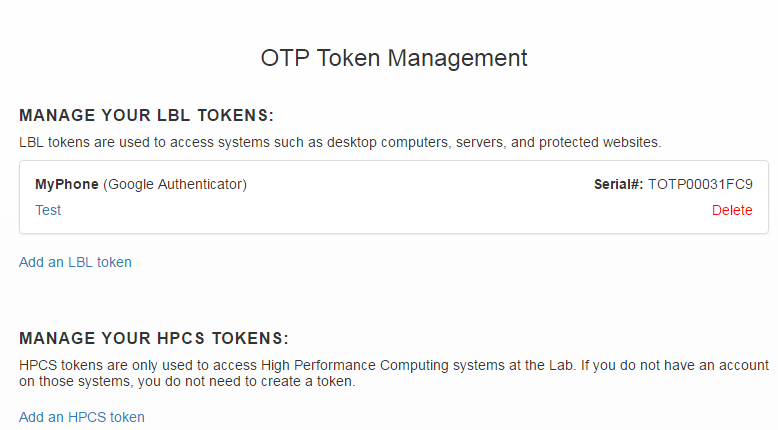
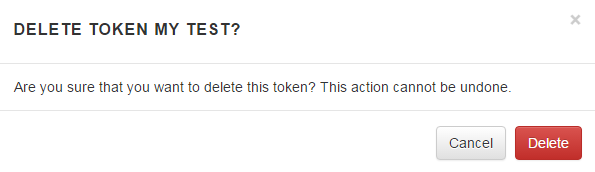
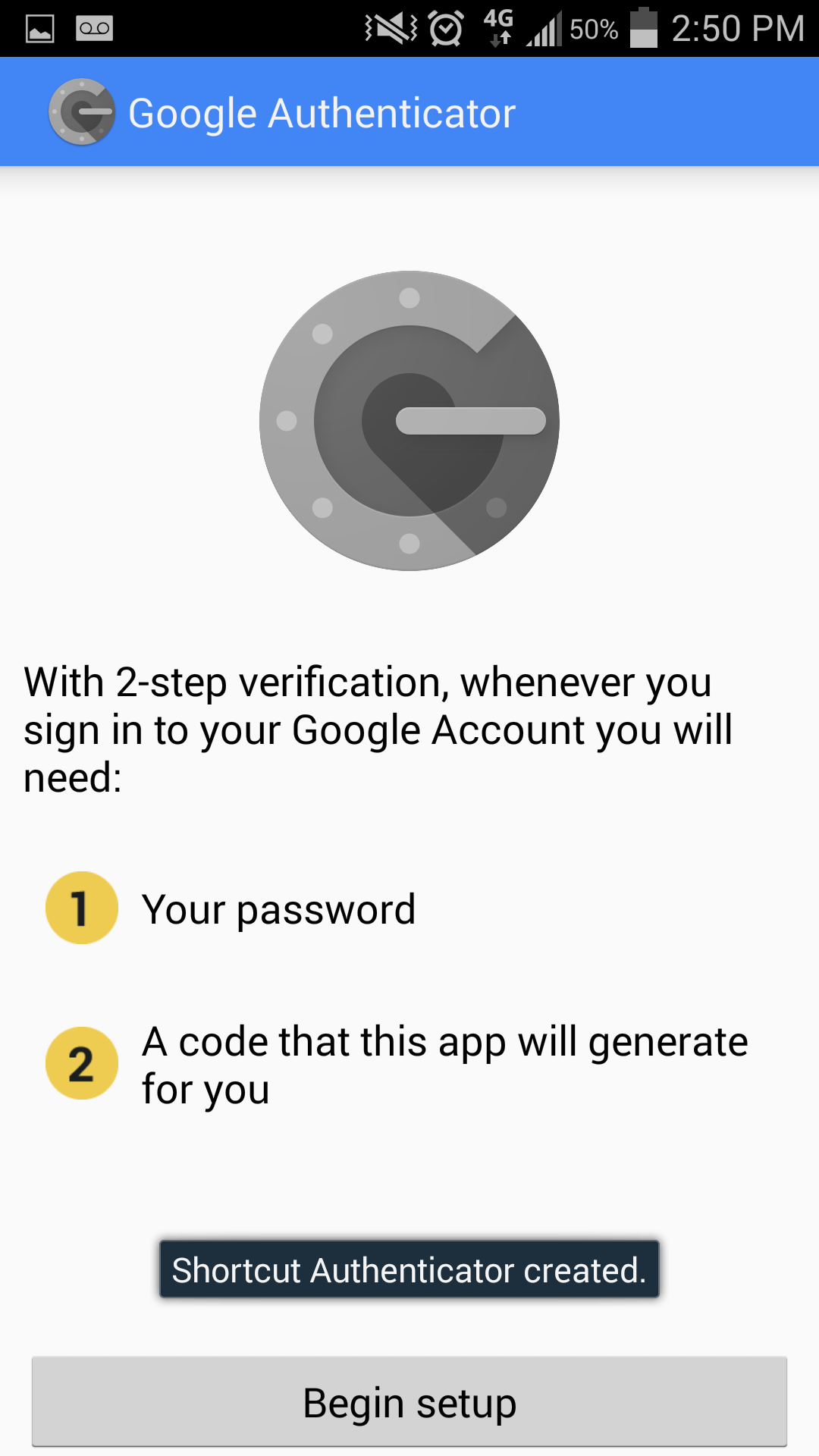
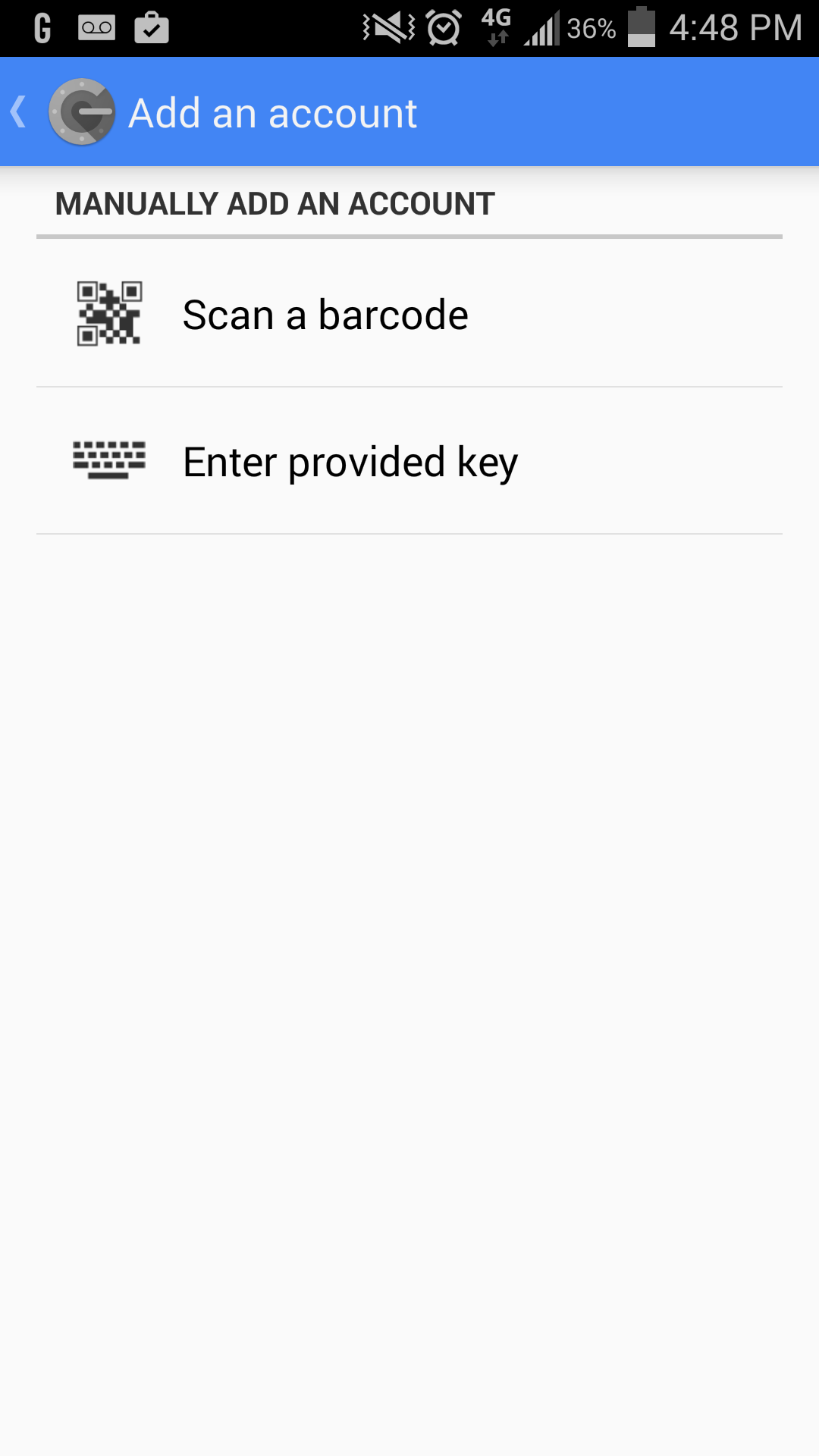
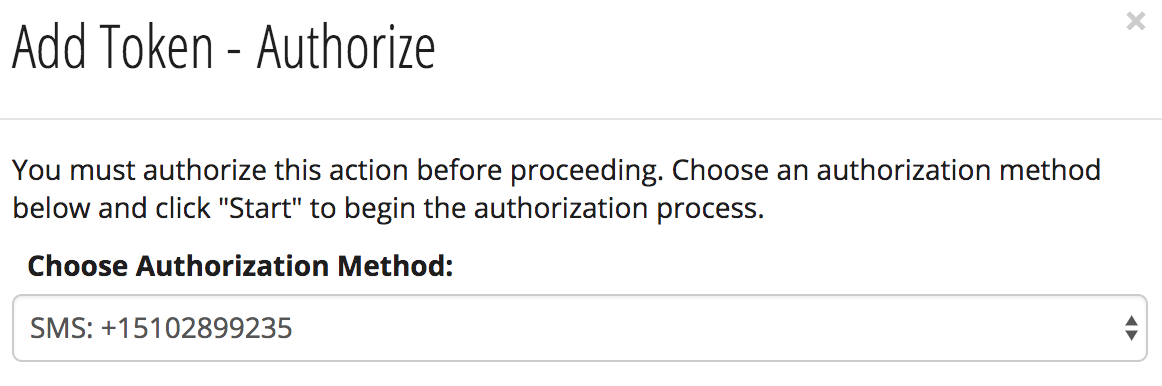
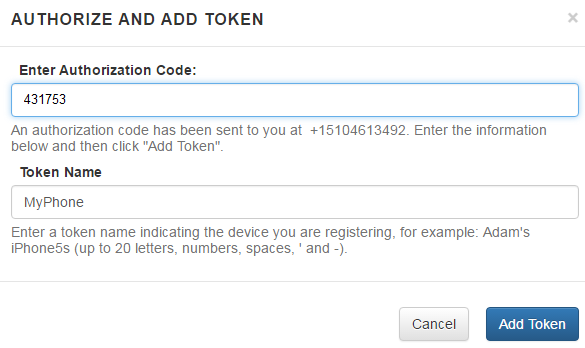
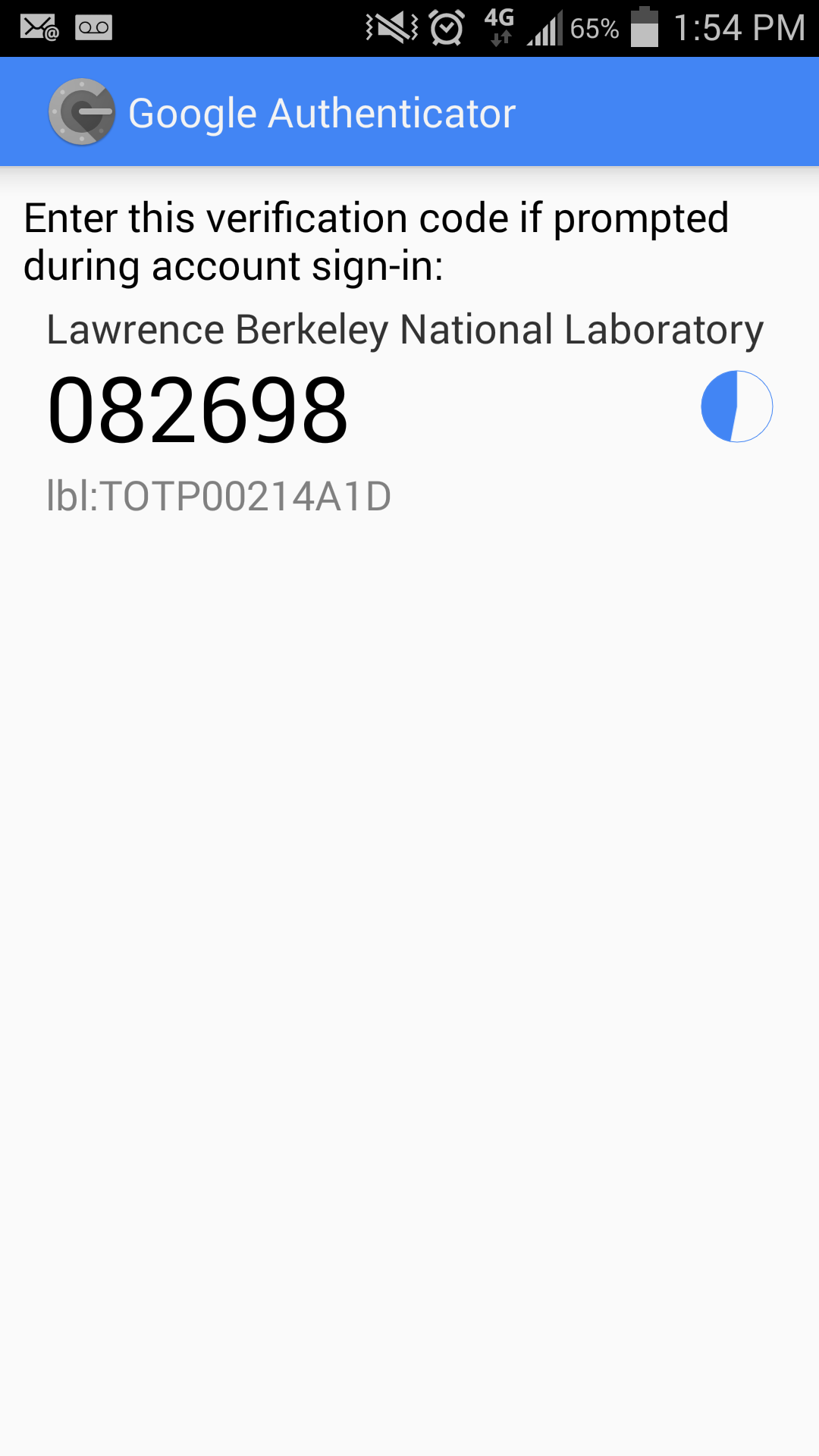
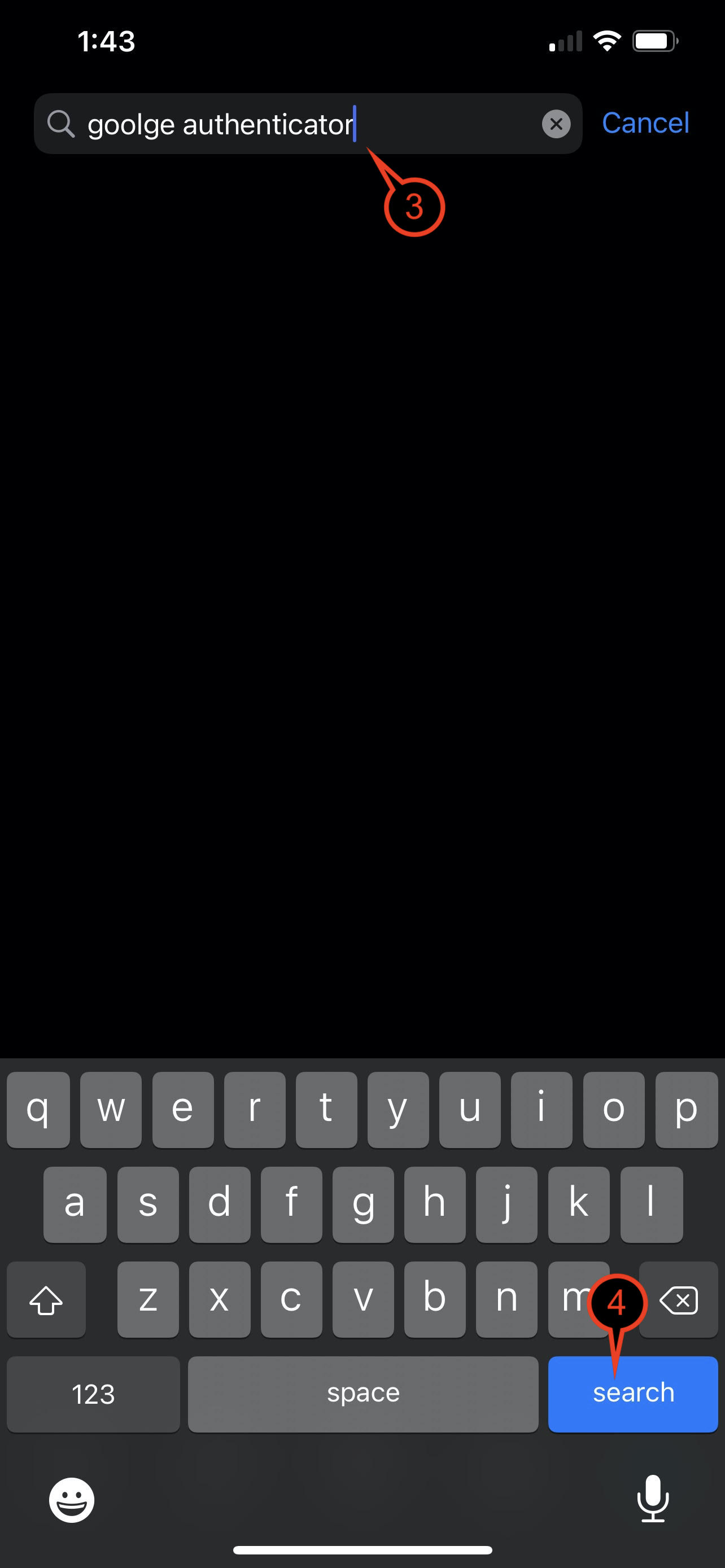
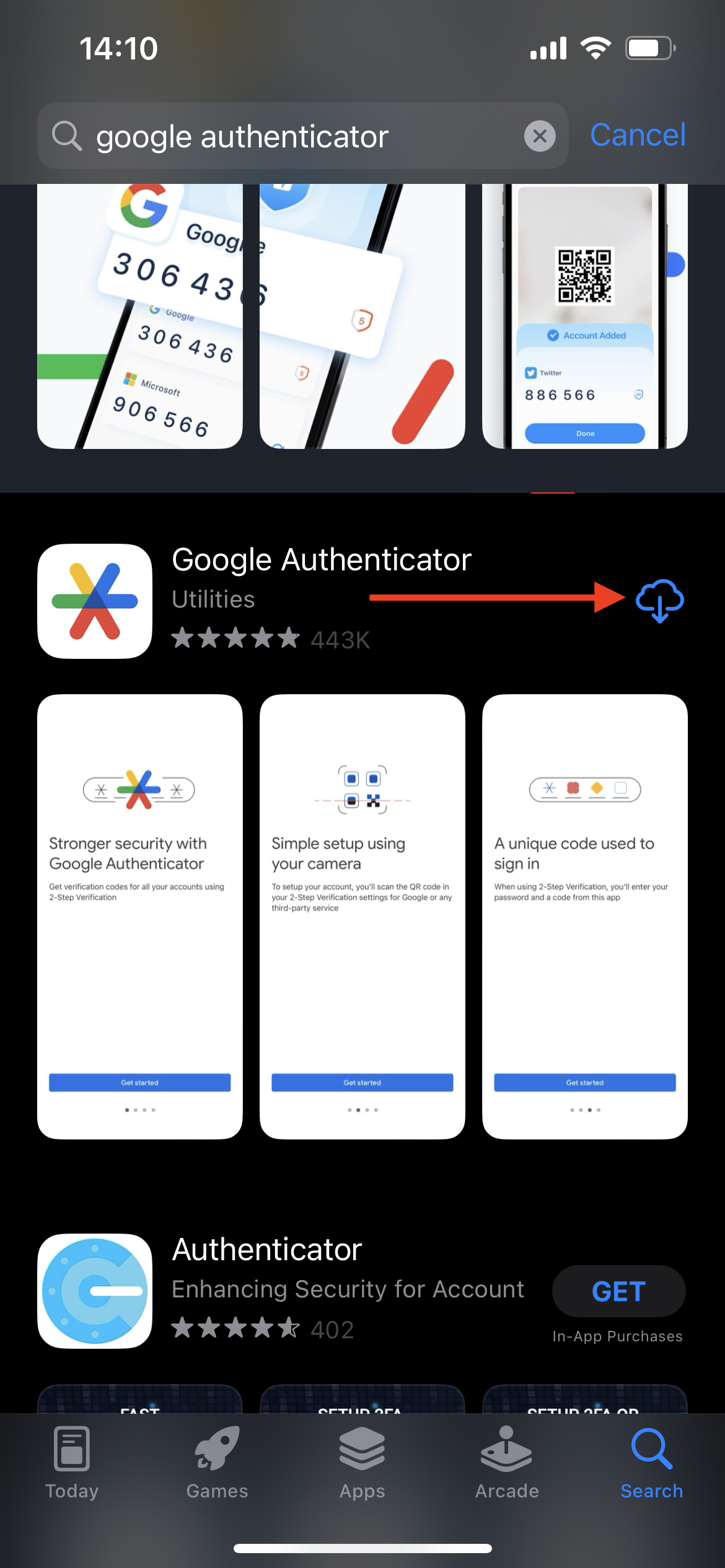
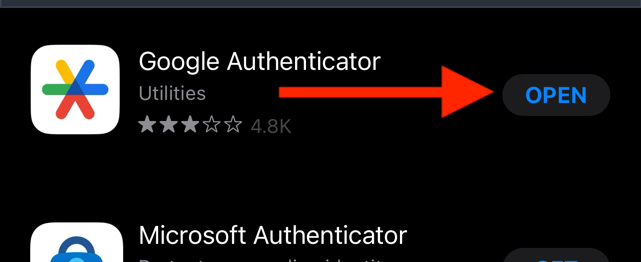
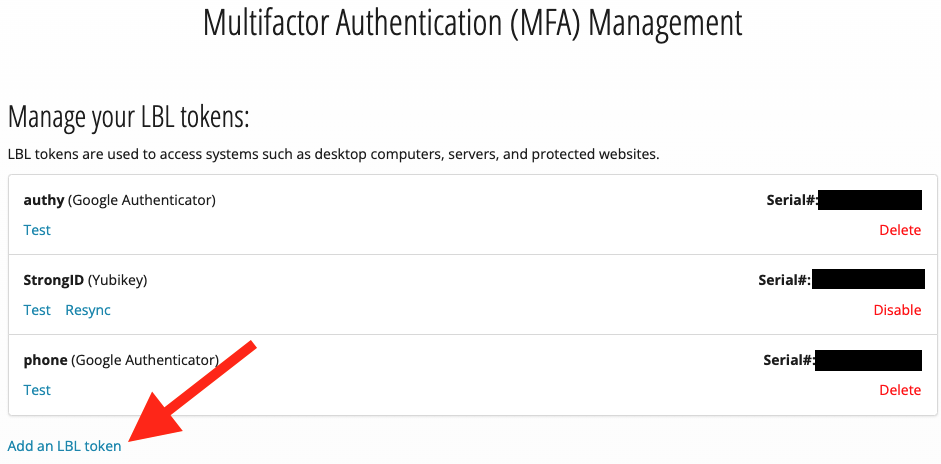
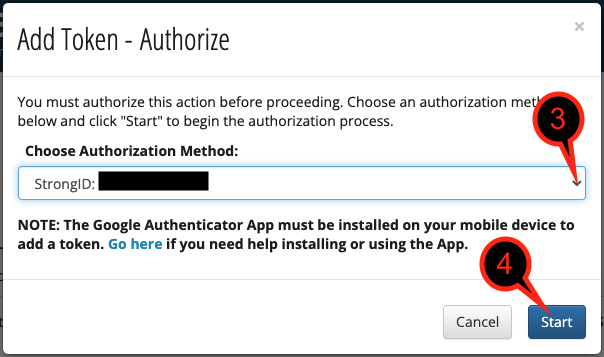
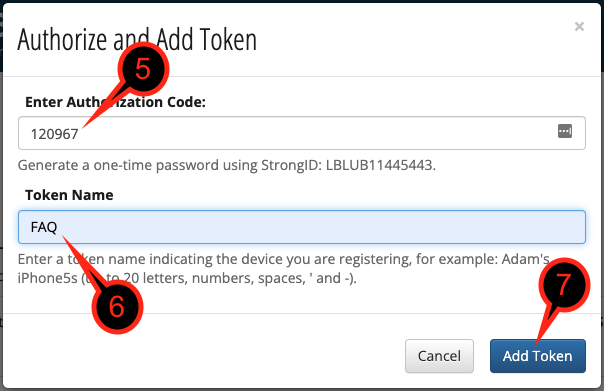
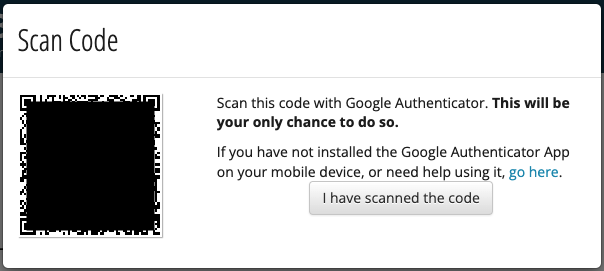
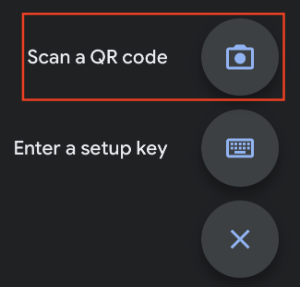
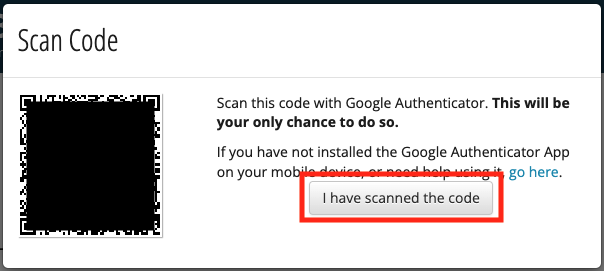
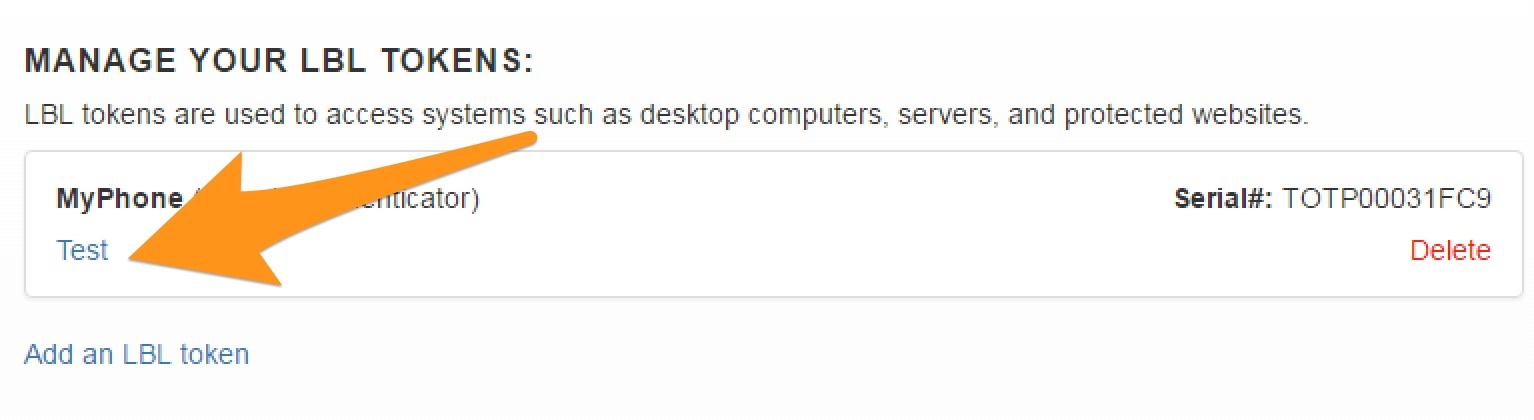
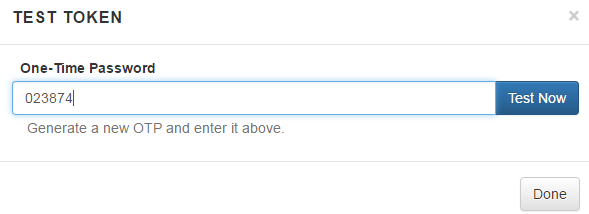
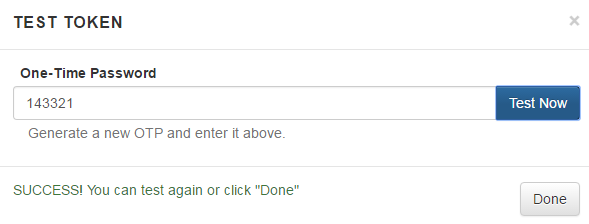
A guide to how to install the Google Authenticator on your mobile device and set up an MFA token in the Google Authenticator app.
If you use Google Authenticator on your personal or Lab-issued mobile device, Lab policy requires that the device must be configured to use a lock screen (PIN, pattern, fingerprint, etc.). |
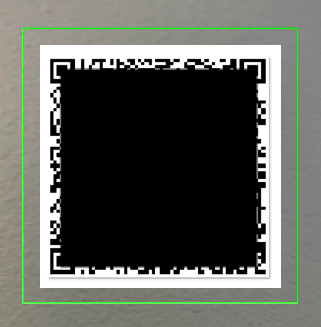
These instructions must be followed on a computer so that the mobile device can be used to scan a barcode off of the computer's monitor. Try using Google Chrome in Incognito window mode or Firefox in Private window mode if you are having some trouble. |
|