You want to update your iOS device (iPhone and iPad) when you change your LDAP password so you can continue to have access to the email from those devices.
Note: in some case you may not see the option to update the password right away, give it a day or so and return to it or you may see a prompt saying you need to enter your password
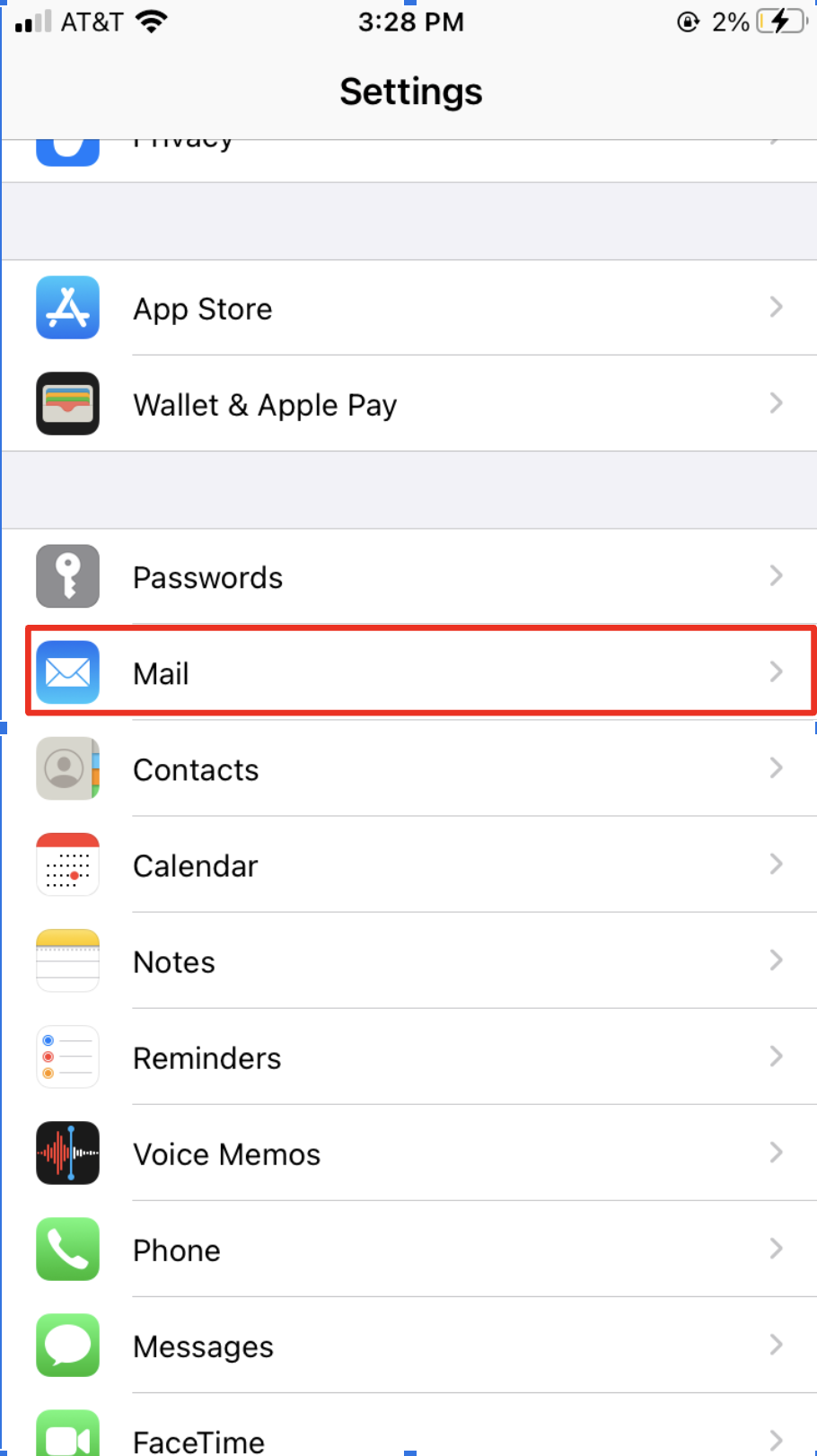
1. | Open the Settings application |
|
2. | Scroll down and click on the Mail tab |
|
3. | Click on the Accounts tab |
|
4. | Select the email account that you want to update the password for |
|
5. | Press the Re-enter Password |
|
6. | Type in your email password and click Next and you will be prompted for your MFA one-time password which you can get from you Authenticator app |
|