| Info |
|---|
We value your feedback. Use this form to tell us about your experience with Passkeys. |
Passkeys replace MFA tokens as the primary method of authentication, making it essential to manage them effectively.
You will NOT No, you will not lose your one-time password tokens for the foreseeable future, even if you have moved on to using Passkeys.
...
Follow the step-by-step instructions below to manage passkeys efficiently.
Access the Passkey management console here
| Link in New Window | ||||
|---|---|---|---|---|
|
Managing your Passkeys
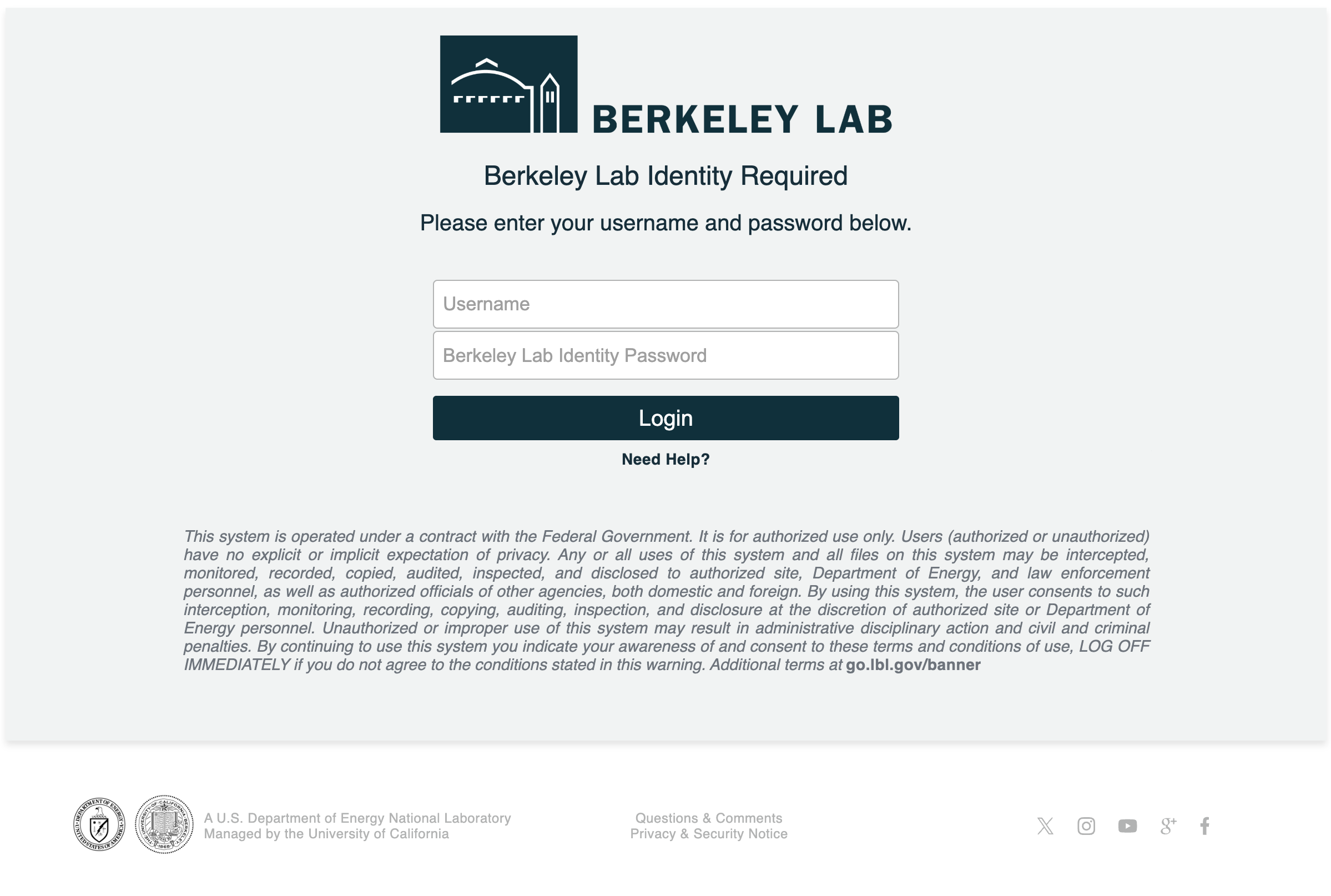
- Enter your Berkeley Lab Identity account user name and password then click login
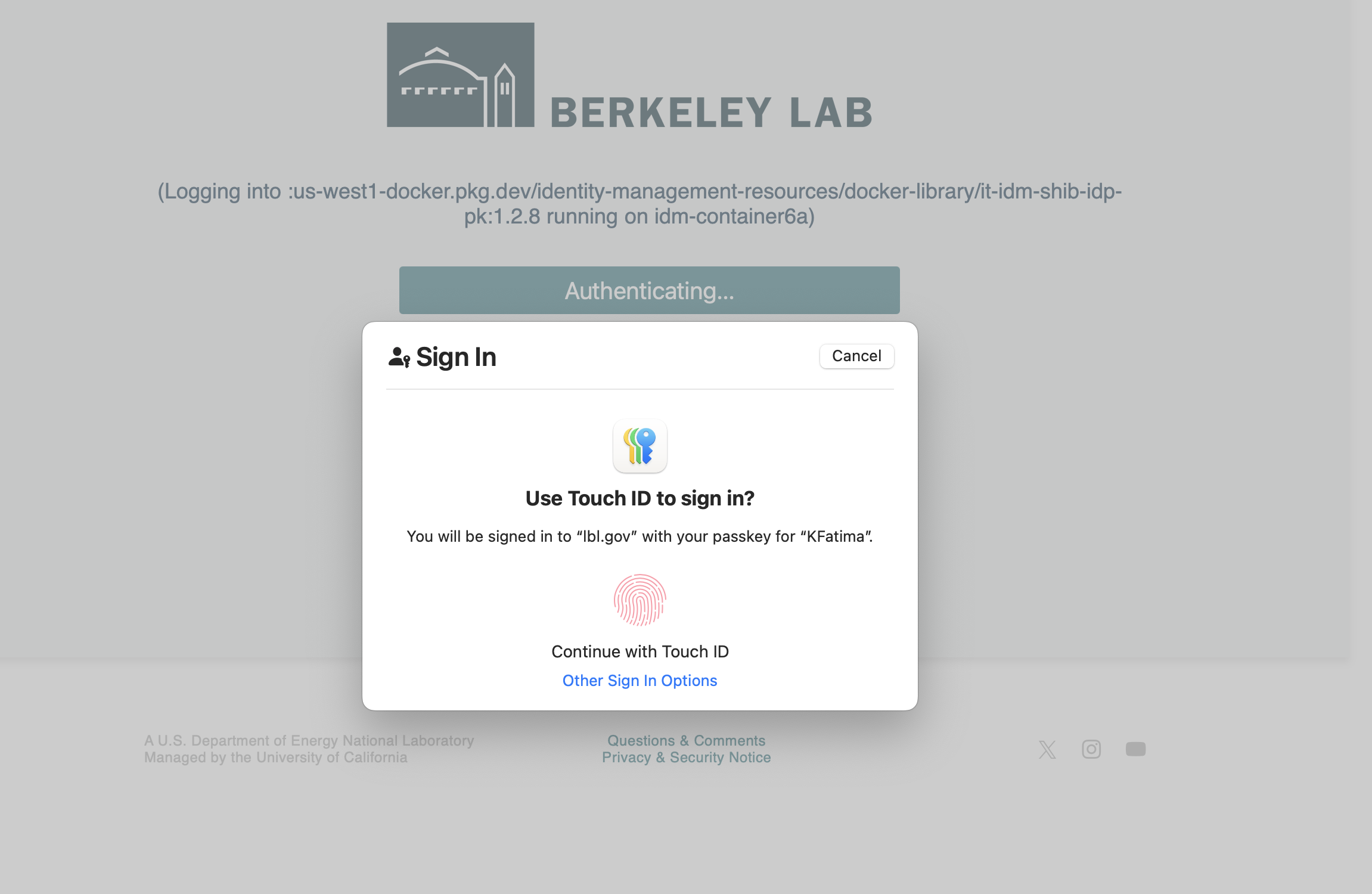
- Continue with the touch ID for Passkey stored in the Apple password/iCloud
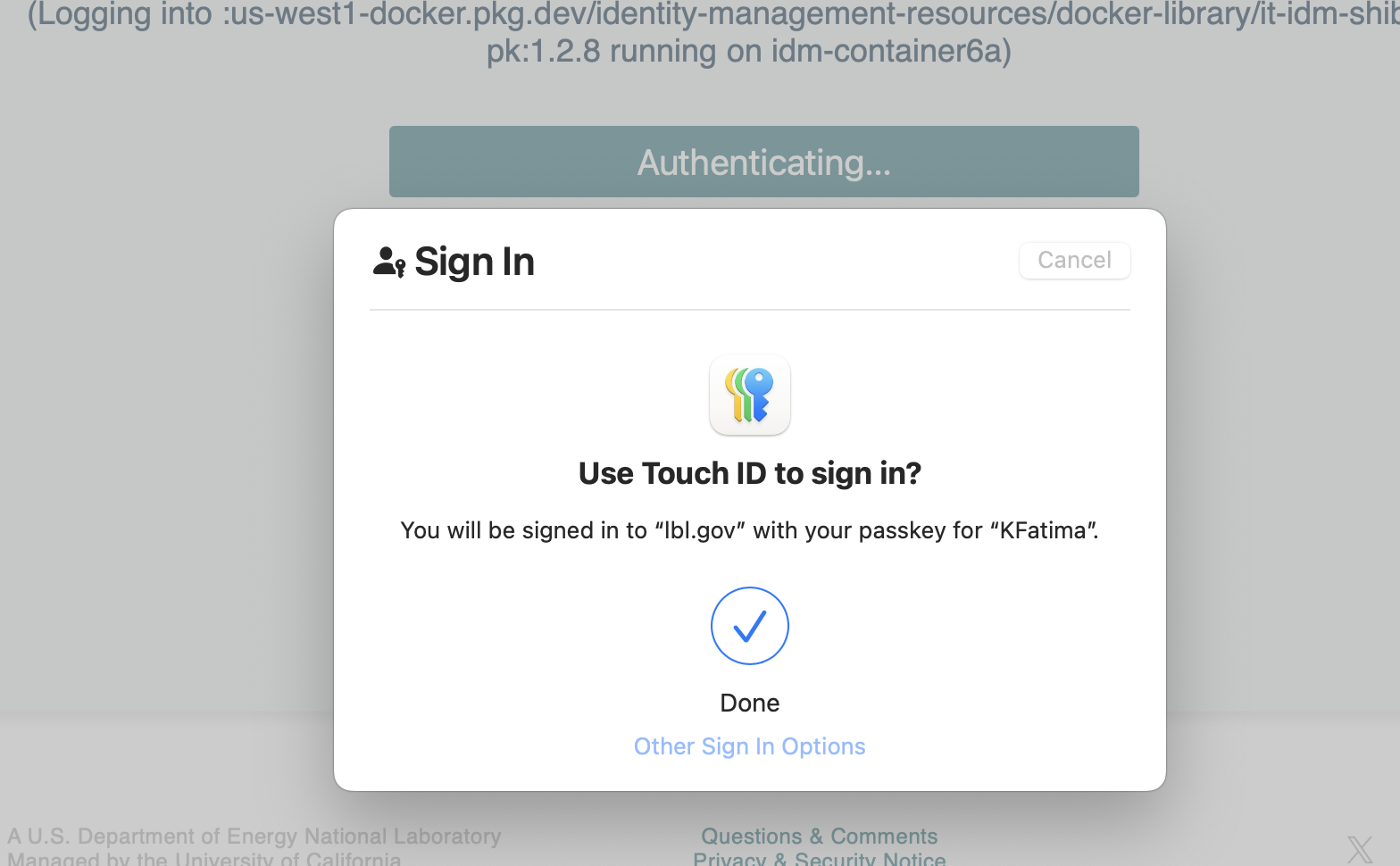
- Login was successful!
- You can now add or delete a security key.
- Passkey
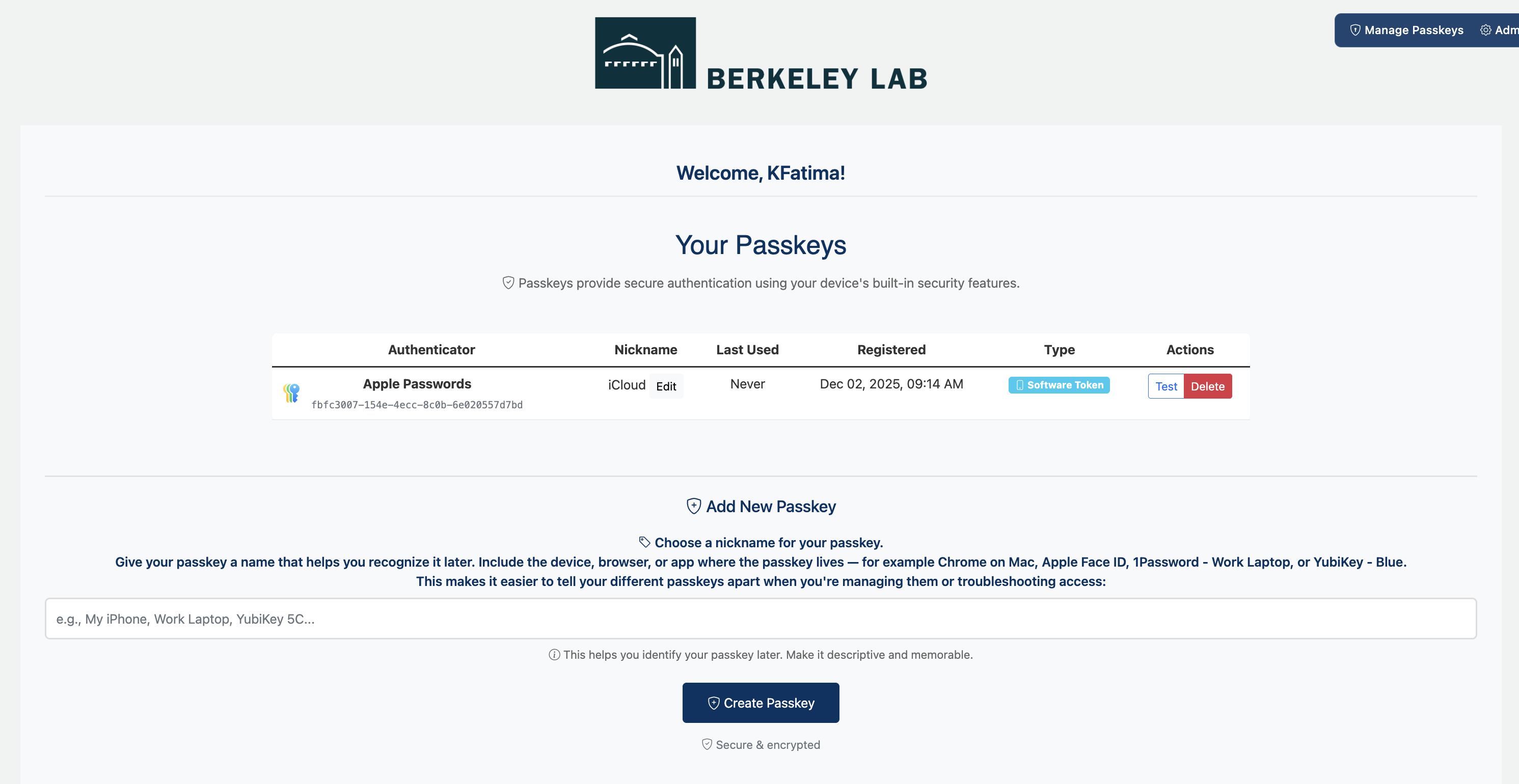
- Follow steps for creating a passkey: Creating Passkeys

