...
Open a Private/Incognito window in your web browser
Copy the following selector link:
Paste the link into your Private/Incognito browser window's address bar and press Enter.
- You may proceed to the next steps when you see “Current setting: v5-test-a” at the top of the page.
- Use the following link to register and manage the Passkey/ Security Key: https://login.lbl.gov/idp/profile/admin/webauthn-registration
- Enter your Berkeley Lab Identity account user name and click Proceed

- Enter your password and click login

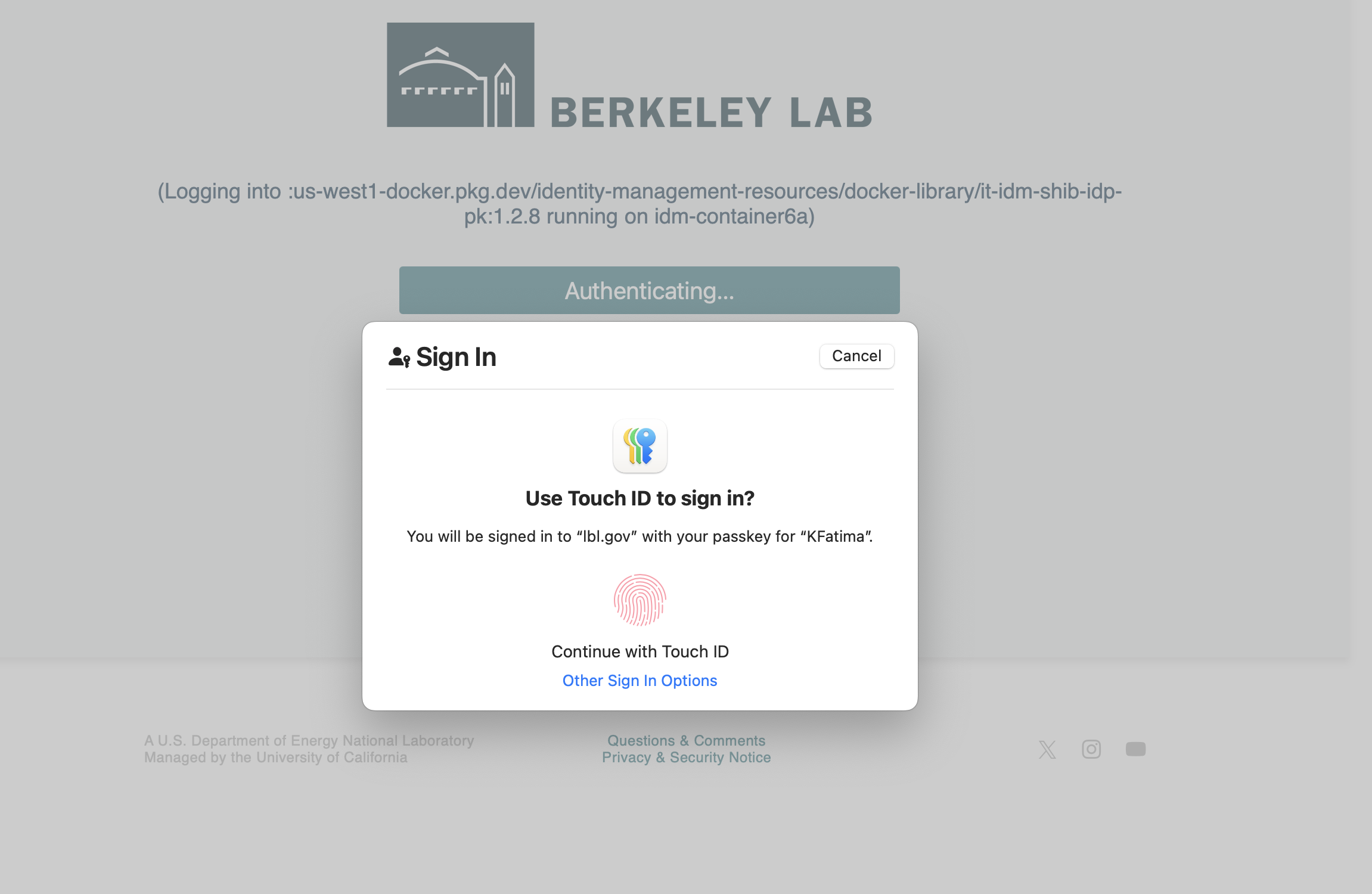
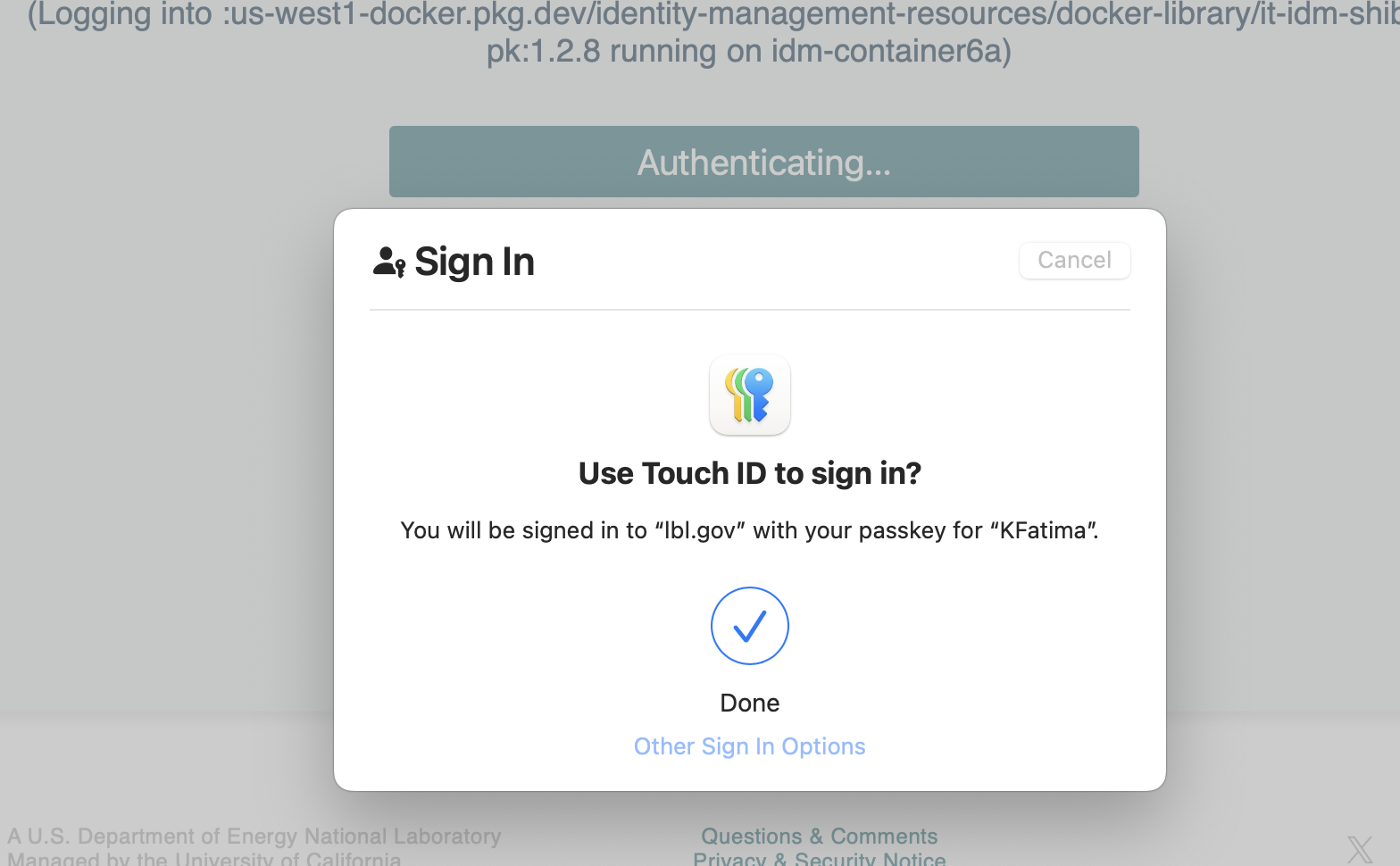
- Continue with the touch ID for Passkey stored in the Apple password/iCloud
- Login was successful!
- You can now add a security key or delete and complete by clicking Finish.

...
