| 1 | Open the Settings app on your device |
|
| 2 | Select Wifi |
|
| 3 | Under Wi-fi page:
|
|
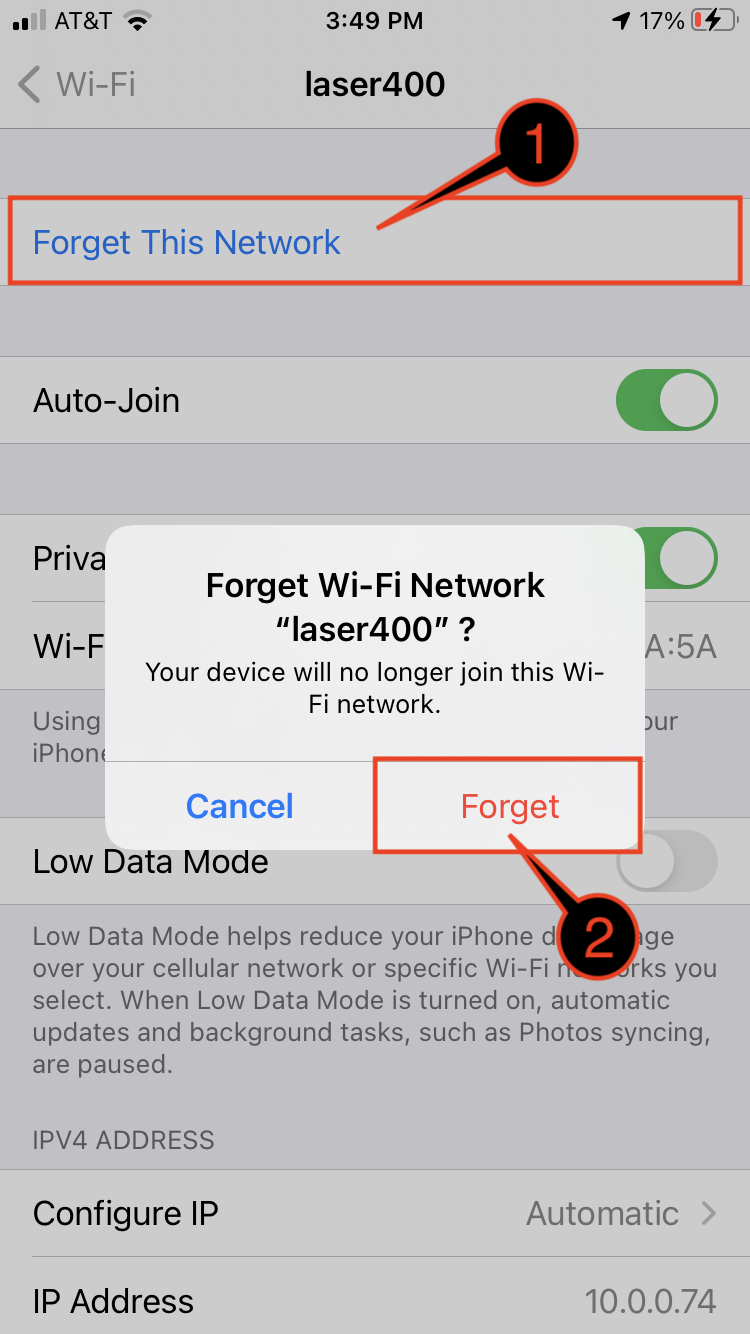
| 4 | Under the Wi-Fi network page you want to forget:
|
|
Page History


Overview
Community Forums
Content Tools
| 1 | Open the Settings app on your device |
|
| 2 | Select Wifi |
|
| 3 | Under Wi-fi page:
|
|
| 4 | Under the Wi-Fi network page you want to forget:
|
|
A U.S. Department of Energy National Laboratory Operated by the University of California
